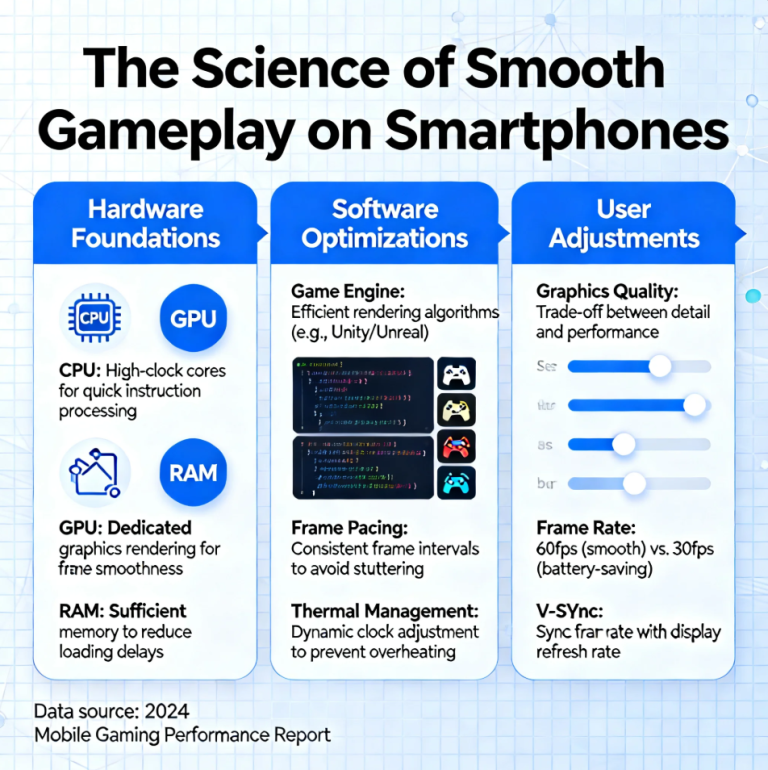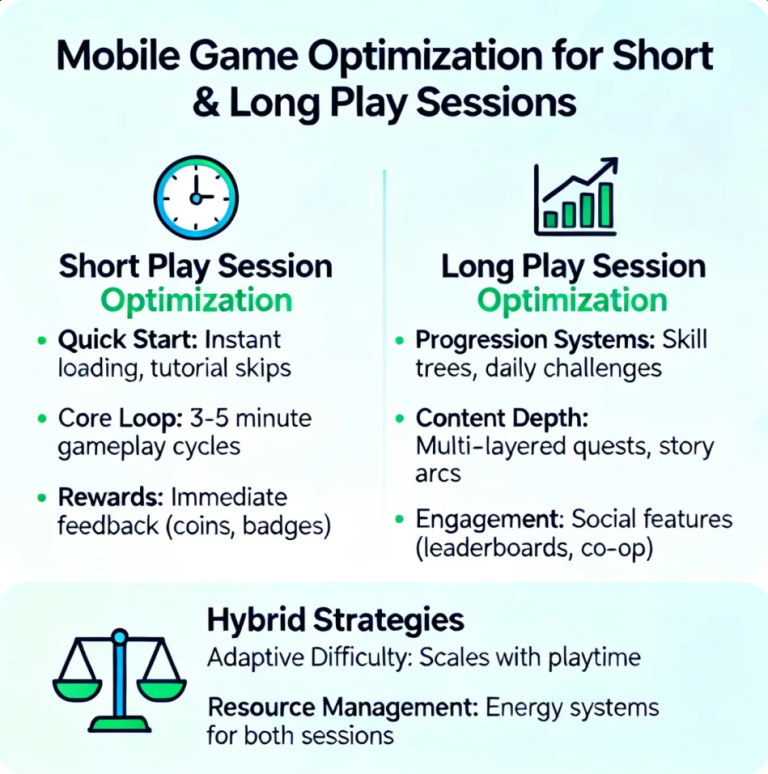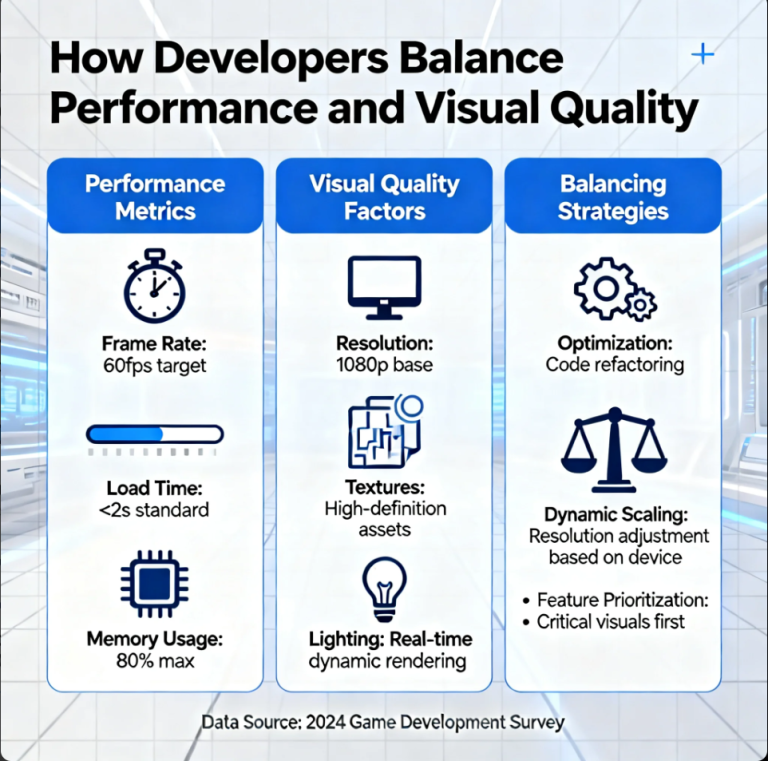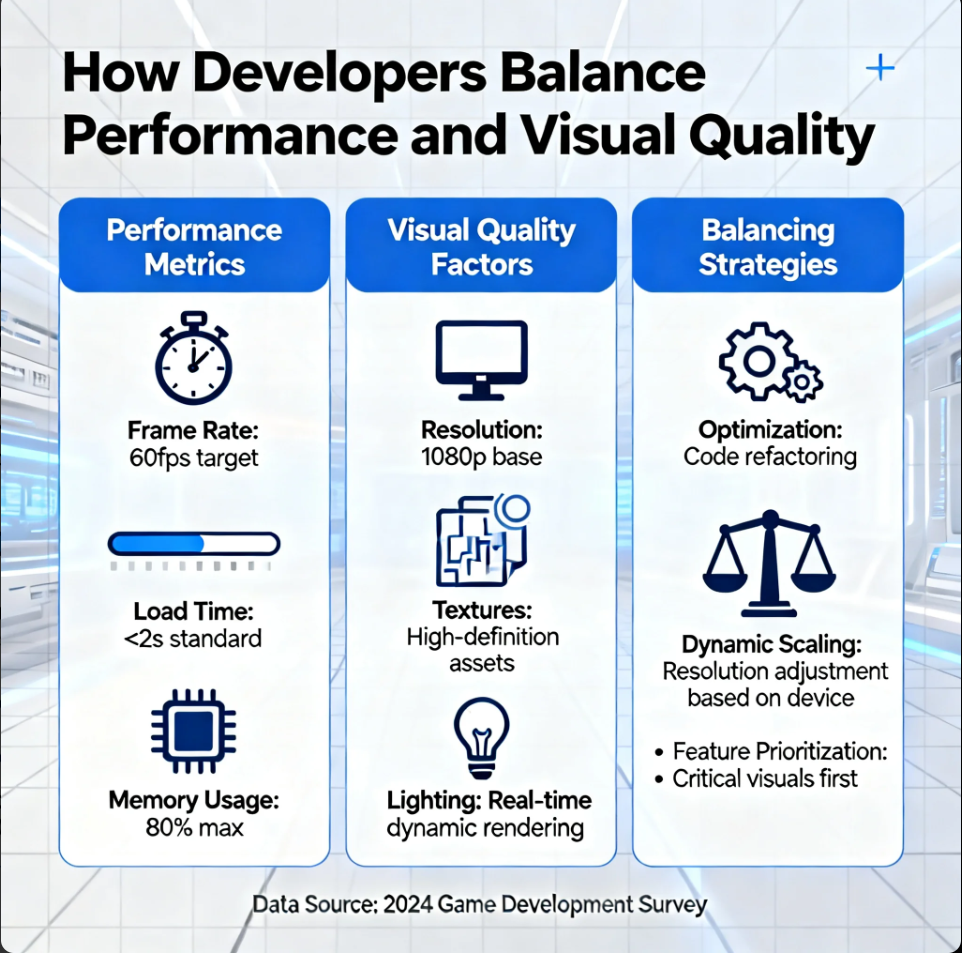
In game and app development, performance and visual quality often compete for the same resources. High-fidelity visuals can make experiences feel immersive, but they also demand more processing power. On the other hand, optimized performance keeps apps smooth and accessible—but can sometimes limit graphical richness. The best developers strike a careful balance, ensuring experiences look great without sacrificing usability.
Why the Balance Matters
Users expect both smooth performance and impressive visuals, especially in modern games and apps. When performance suffers, users notice lag, stuttering, or long load times. When visuals suffer, experiences can feel outdated or uninspiring. Balancing the two is essential for creating products that feel polished and responsive.
Prioritizing Target Platforms
Developers begin by understanding target devices. A game designed for high-end PCs can support more advanced graphics than one meant for mobile devices. Developers set performance targets such as:
- Frame rate goals (e.g., 60 FPS)
- Load time limits
- Battery usage constraints
These targets guide visual decisions throughout development.
Optimizing Assets and Content
Visual quality often comes down to asset management. Developers optimize textures, models, and effects to reduce resource demands without losing detail.
Common techniques include:
- Using lower-resolution textures for distant objects
- Reusing assets across scenes
- Compressing textures and audio
- Reducing polygon counts without noticeable quality loss
These strategies help preserve visuals while improving performance.
Scalable Graphics Settings
Many games and apps offer adjustable graphics settings. This allows users to choose the level of visual quality that their device can handle.
Settings often include:
- Resolution options
- Shadow quality
- Anti-aliasing
- Texture detail
- Effects intensity
Scalable settings help balance performance across diverse hardware.
Efficient Rendering Techniques
Rendering is one of the most resource-intensive parts of visual experiences. Developers use techniques that improve efficiency without sacrificing too much quality.
Examples include:
- Level of detail (LOD) systems
- Occlusion culling
- Dynamic resolution scaling
- Deferred rendering
- Batch rendering
These techniques reduce workload while maintaining visual fidelity.
Performance Profiling and Testing
Developers rely on profiling tools to identify bottlenecks. Performance testing across devices reveals which features cause slowdowns and where optimization is needed.
By tracking metrics like frame rate, memory usage, and CPU load, developers can make informed decisions about where to prioritize visual improvements.
Artistic Direction and Smart Design Choices
Balancing performance and visuals isn’t only technical—it’s also artistic. Strong art direction can make simpler visuals feel intentional and polished.
Stylized graphics, consistent lighting, and thoughtful composition can create high perceived quality without extreme hardware demands.
The Role of User Experience
Ultimately, the best balance depends on user experience. Developers consider how performance affects enjoyment and how visuals support immersion.
A well-balanced experience feels smooth, looks intentional, and respects the capabilities of the device.
Trusted Outbound Resources
- Unity Learn – Performance Optimization Techniques
- Unreal Engine Documentation – Rendering and Optimization
- Gamasutra – Balancing Visual Quality and Performance in Game Development
About the Author