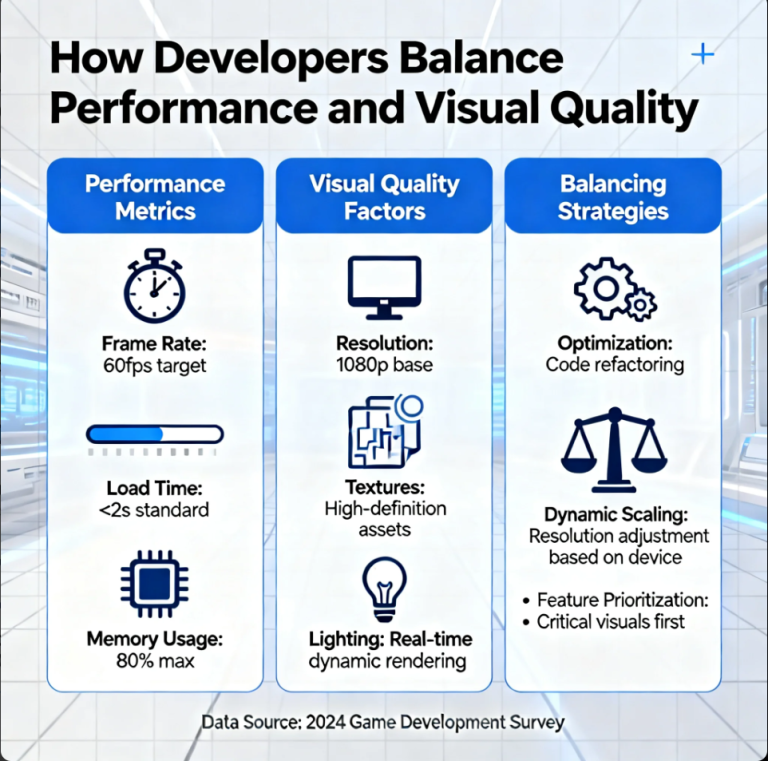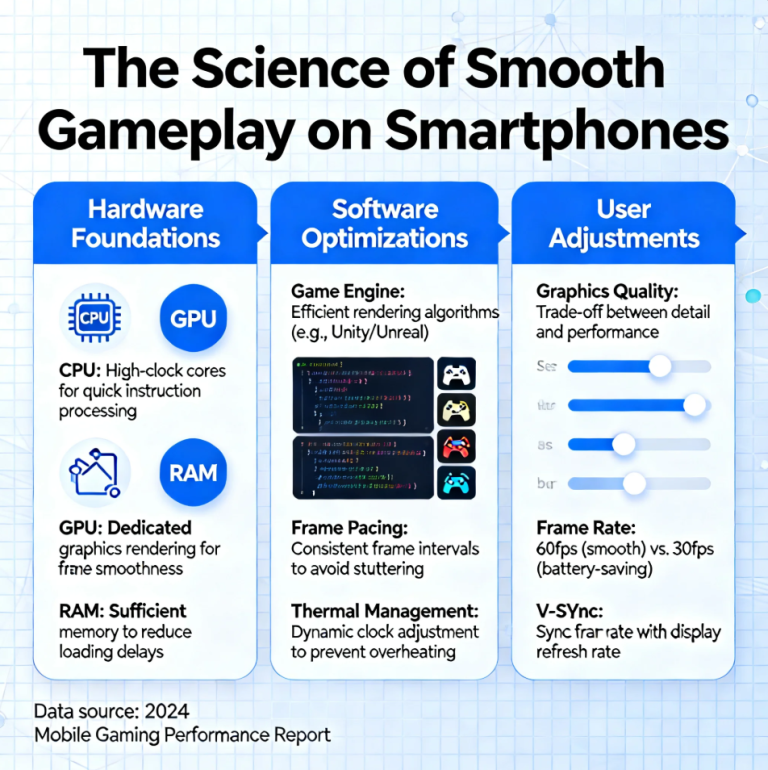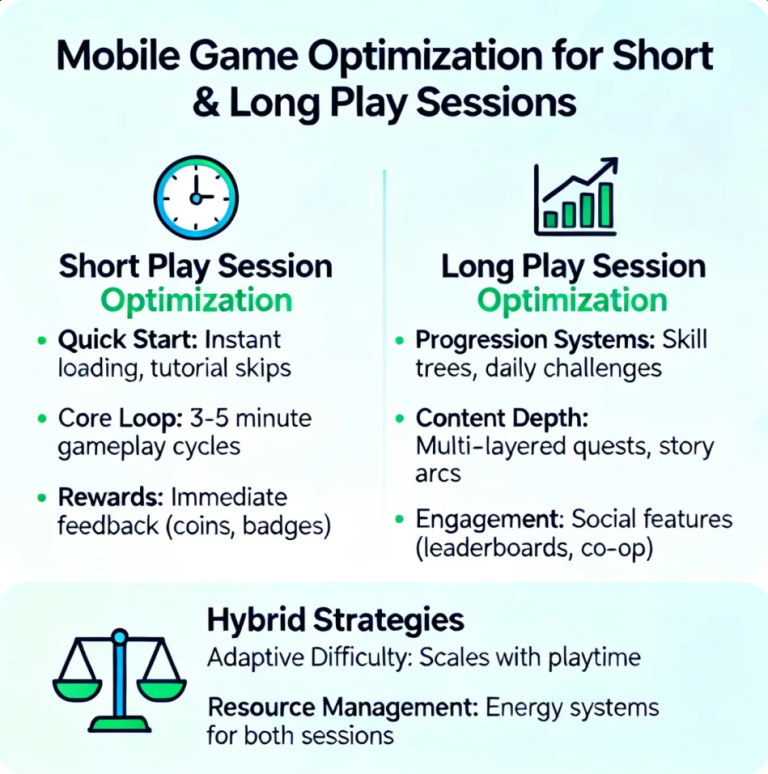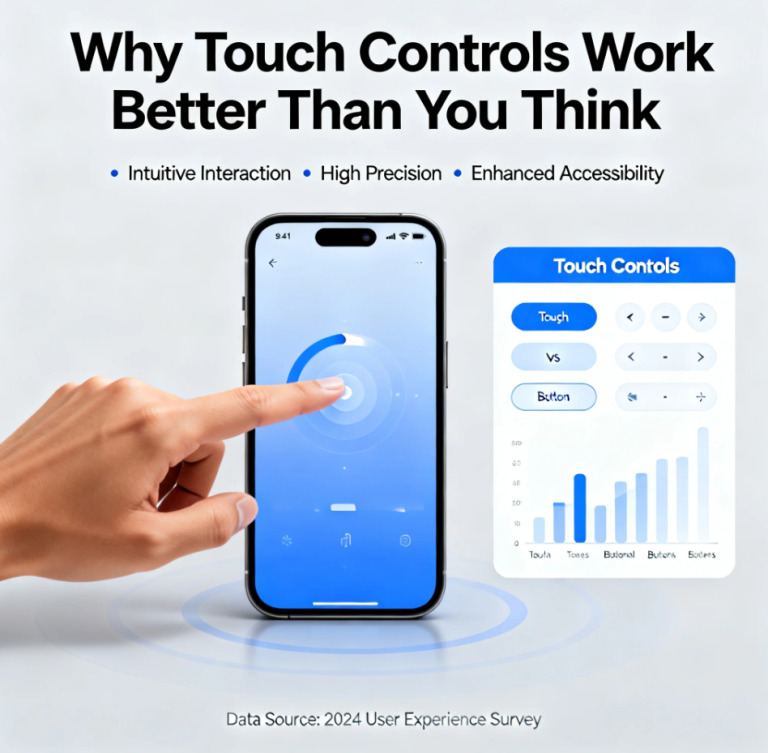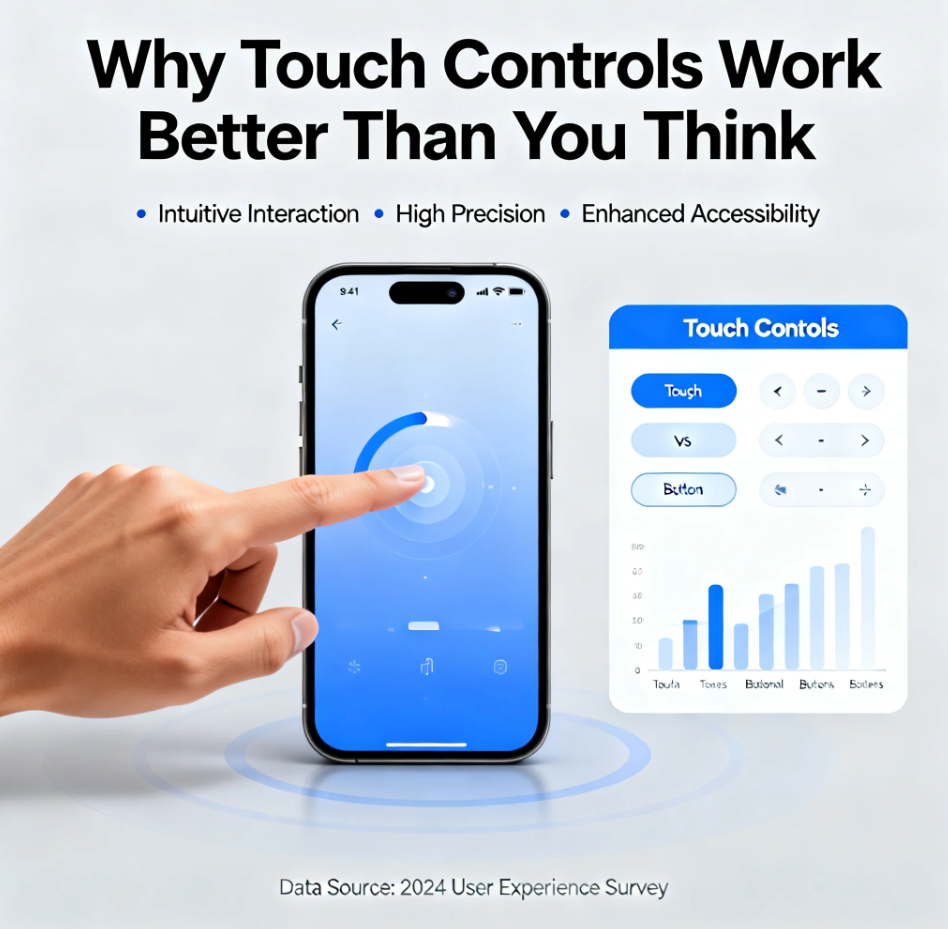
From smartphones to handheld consoles, touch controls have transformed how we interact with technology. While some gamers and users assume physical buttons offer superior precision, research and experience show that touch interfaces can be faster, more intuitive, and more engaging than expected. Understanding why helps developers, designers, and players make the most of modern devices.
The Science of Touch Interaction
Touch controls succeed because they align with natural human movement:
- Fingers are highly dexterous and capable of fine motor actions
- Gestures like swiping, pinching, and tapping are intuitive
- Direct interaction with on-screen elements reduces cognitive load
This natural mapping between movement and response enhances user efficiency and satisfaction.
Speed and Responsiveness
Contrary to popular belief, touch controls can be faster than physical buttons:
- No mechanical delay or key travel
- Multi-touch allows simultaneous actions
- Gestural shortcuts reduce repetitive motions
Players often achieve greater precision in timing-sensitive games when touch is implemented well.
Adaptability Across Devices
Touch controls excel in versatile environments:
- Smartphones and tablets of varying sizes
- Hybrid devices like touch-enabled laptops and consoles
- Customizable virtual buttons and gestures
Designers can optimize layouts for different contexts and hand positions, improving comfort and accessibility.
Intuitive UX Design
Touch interfaces are particularly effective when paired with thoughtful UX design:
- Clear visual feedback on taps and gestures
- Responsive haptics or vibration cues
- Contextual controls that appear only when needed
This ensures the interaction feels natural and satisfying, reducing the learning curve for new users.
Common Misconceptions
Some assume touch controls are less precise or suited only for casual gaming:
- Precision issues are often due to poor calibration or interface design, not touch itself
- Competitive and professional-level games increasingly rely on optimized touch layouts
- Many genres—from puzzle to action—benefit from direct touch input
Well-designed touch systems can match or surpass traditional controls in performance.
Beyond Gaming: Touch in Everyday Technology
Touch interaction isn’t just for games:
- Productivity apps benefit from gestures and swipes
- Creative tools leverage multi-touch for precision drawing and editing
- Mobile-first workflows depend on intuitive, direct input
Touch controls redefine efficiency and engagement across multiple applications.
Conclusion
Touch controls work better than you think because they leverage human dexterity, intuitive gestures, and responsive feedback. Whether in gaming, creative tools, or everyday apps, the combination of design, adaptability, and natural interaction makes touch a powerful and versatile interface—sometimes even superior to physical buttons.
About the Author