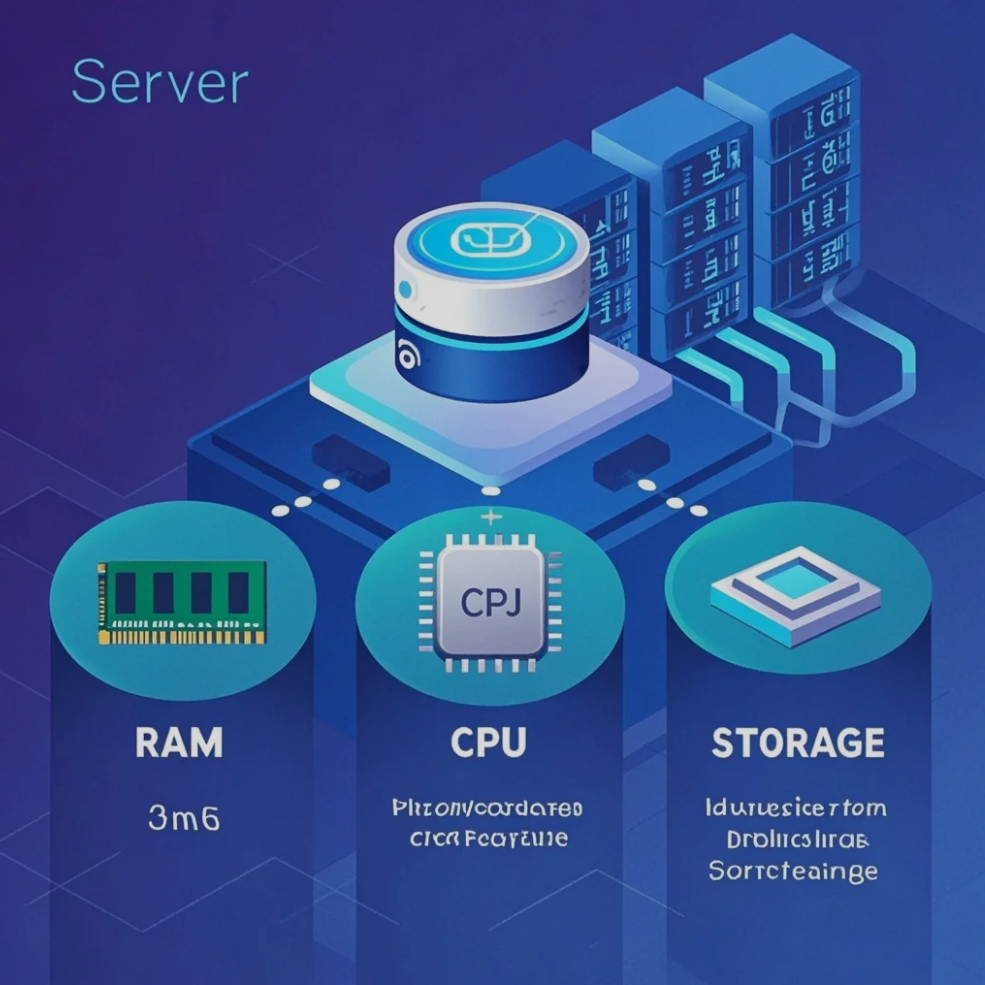
For anyone running a website or managing online services, understanding server resources is critical. Servers rely on RAM, CPU, and storage to deliver smooth, reliable performance. Each component plays a unique role in handling website traffic, executing tasks, and storing data.
This guide explains these server resources in simple terms for beginners, helping you make informed decisions about hosting, scaling, and optimizing your website.
1. RAM: The Server’s Short-Term Memory
RAM (Random Access Memory) temporarily stores data that a server needs to access quickly. Key points include:
- Holds active processes and website data
- Enables faster response times for users
- Prevents server slowdowns during high traffic
Why RAM Matters:
- More RAM allows for smoother multitasking
- Supports simultaneous users without performance drops
- Crucial for applications with dynamic content
Think of RAM as the server’s short-term workspace, where tasks are handled immediately.
2. CPU: The Server’s Brain
The CPU (Central Processing Unit) executes instructions and handles calculations. It’s the “brain” of the server:
- Processes requests from users and applications
- Manages complex tasks like database queries
- Determines how fast a server can respond under load
Why CPU Matters:
- Faster CPUs reduce lag and improve website speed
- Multi-core processors can handle multiple tasks simultaneously
- Critical for websites with heavy scripts or high traffic
CPU performance directly affects the overall responsiveness of your server.
3. Storage: The Server’s Long-Term Memory
Storage refers to the space where your server keeps files, databases, and media. Key types:
- HDD (Hard Disk Drive): More storage, slower access
- SSD (Solid State Drive): Faster read/write speeds, better performance
- NVMe Storage: Ultra-fast option for high-demand applications
Why Storage Matters:
- Determines how much data your website can host
- Impacts load times and server efficiency
- Essential for backups and long-term reliability
Storage is the foundation of your server, keeping all your website’s data safe and accessible.
4. How RAM, CPU, and Storage Work Together
Servers rely on the synergy of all three components:
- RAM handles real-time tasks
- CPU processes and calculates instructions
- Storage retains permanent data for access
Balancing these resources ensures smooth performance, reliability, and scalability for your website.
5. Choosing the Right Server Resources
When selecting hosting or upgrading a server, consider:
- Website type (blog, e-commerce, streaming, etc.)
- Expected traffic and concurrent users
- Resource-intensive features (plugins, databases, apps)
- Budget and future scalability
Understanding your server’s needs prevents slowdowns, crashes, and performance bottlenecks.
Conclusion
Server resources — RAM, CPU, and storage — are the backbone of website performance. By understanding their functions and interplay, beginners can make informed decisions about hosting plans, optimize website performance, and ensure reliable online experiences.
Whether you’re building a personal blog or a high-traffic business site, knowing these basics is the first step toward managing a powerful, efficient server setup.
About the Author